WOPBLOCKSTUDIO / NEWS
· WopBlockStudio
Minecraft server monitoring is live at WopBlockStudio
Find your world. Follow player activity. Bring your own server to the community.
Open server monitoring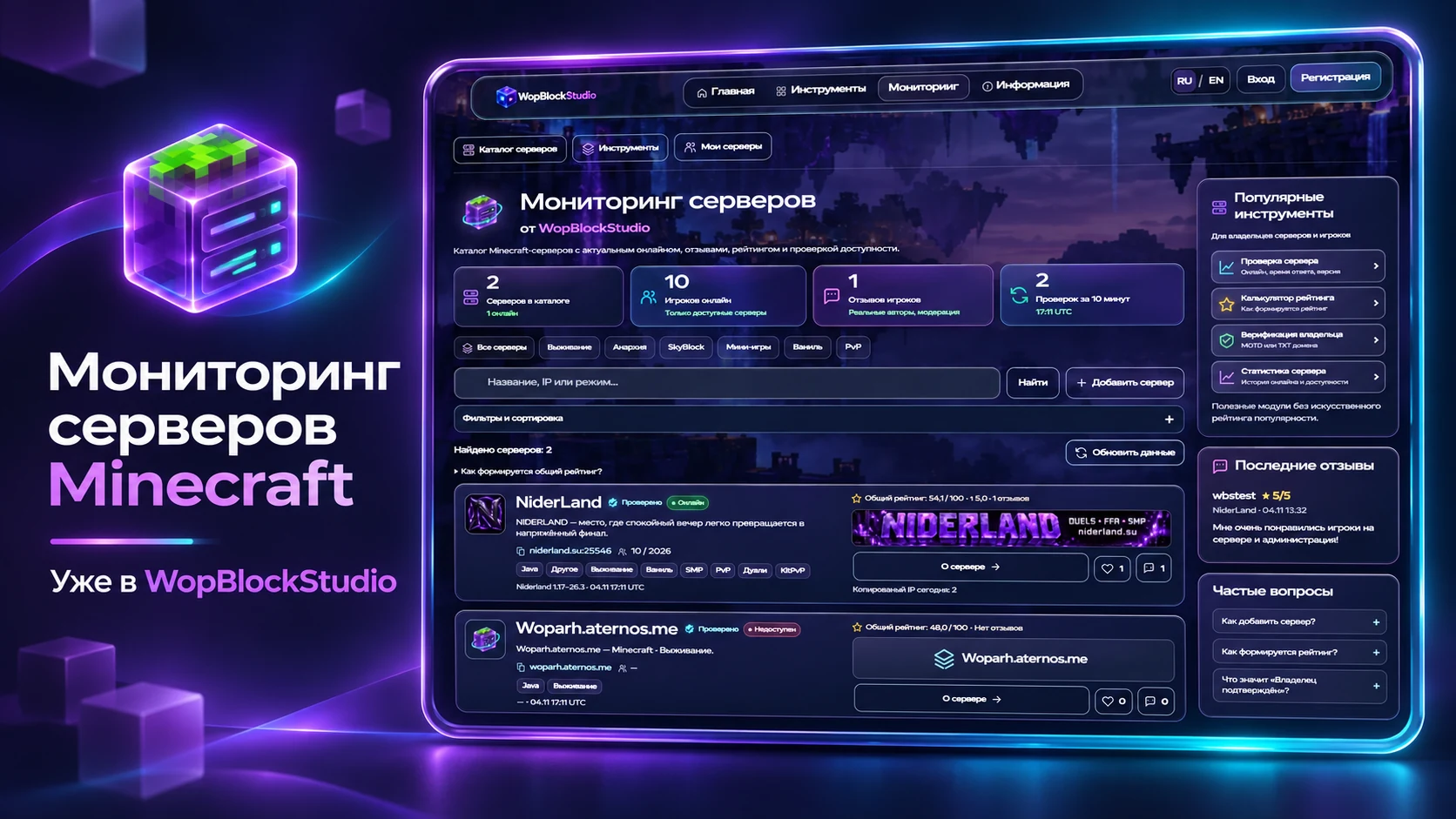
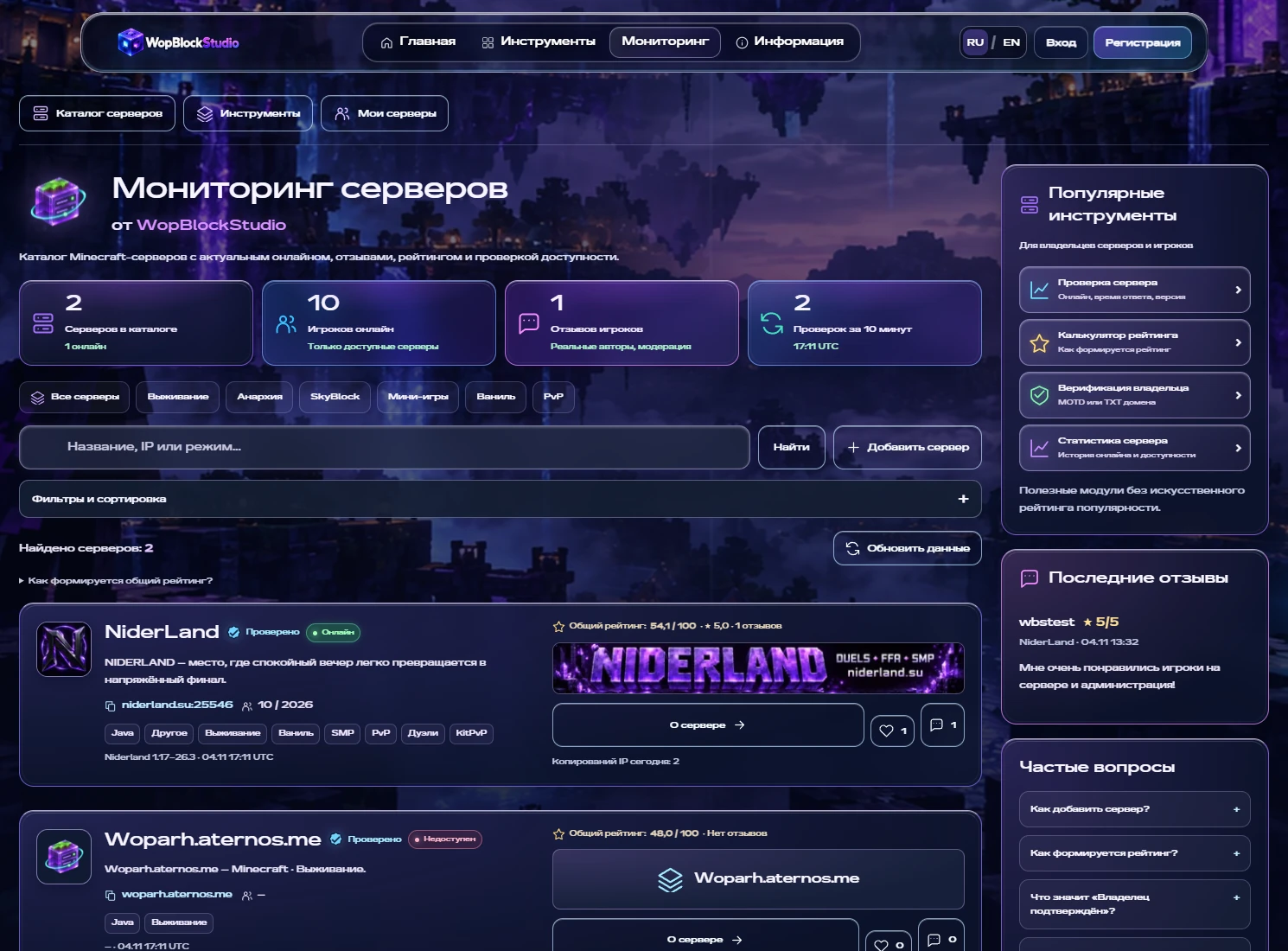
Find your next place to play
Some evenings call for relaxed survival with friends; others call for duels, SkyBlock or minigames. WopBlockStudio now has its own Minecraft server monitoring catalog. It brings together connection addresses, game modes, availability information, player history and community reviews. Find somewhere to play or create a page for your own project and introduce it to the community.
Search for the experience you want
Start with a name, address or game mode. Quick category links and detailed filters cover Java or Bedrock, version, mode and community country. You can filter for available servers or pages reviewed by a moderator. There are 32 directions, from vanilla, SMP and anarchy to BedWars, RPG, technical and magic servers. Projects can list several modes. Tools, recent reviews and common questions sit beside the results.
A server card with the essentials
Each project has its own icon and a separate wide banner, alongside its name, description, modes, status and copyable address. Open its page, read reviews or support it with a vote. An administration review badge appears beside the server name when applicable. Missing or outdated measurements are marked explicitly rather than replaced with invented player counts.
Player history beyond a single number
Explore player history over 24 hours, 7 days or 30 days. Hover over a measurement, touch the chart or use the arrow keys to inspect its time, player count and response latency. Checks run approximately every ten minutes; an open dashboard refreshes its data every minute. History accumulates from the start of observation. Failed replies remain gaps instead of being treated as zero players. A separately scrollable table shows recent measurements.
Ratings reflect reviews and player support
The default order uses an overall score: 80% comes from published review quality adjusted for review volume, and 20% from votes over the last thirty days. A neutral prior prevents one review from deciding the entire result. The catalog explains the formula. Alternative sorting covers player count, newest projects, reviews and votes. Copying an address does not raise a project’s score, and a moderator badge does not replace player opinion.
Reviews, updates and real activity
Reviews have a dedicated section and a shortcut near the top of the page. Players can describe their experience and rate the server; owners can reply. New reviews are moderated before publication. The activity feed shows real address copies, votes and published reviews. Guests are not assigned fictional identities, and private administration events are not exposed. Owners can upload gallery images and submit project updates for moderation. Empty sections state their status honestly.
Add your server: a domain is enough
Sign in, open the submission form and provide a name, address and Minecraft edition. A port is optional: the standard value is selected automatically, with SRV support for Java. A domain can be entered without a colon and port number. Select multiple game modes and optionally upload an icon and banner. Keep the neutral description template, edit it or write your own. A preview lets you inspect the page before publishing, while optional settings are grouped separately.
Publication and verification are separate
A server can be published without waiting for ownership confirmation or a successful connection check. Its public page is automatically included in the sitemap. Moderator review adds a separate badge; pages that violate the rules can be hidden. Confirming control through MOTD or DNS TXT is a different process with a different status. Moderator review, ownership and server availability are independent. Editing preserves publication but removes the moderator badge pending another review.
Monitoring is open: try it now
Choose a direction, open a server page, inspect its history and read the reviews. Copy its address to add it in Minecraft. If you run a server, create a page, customize it and share the link with your players. Monitoring is also available in Top modules on the WopBlockStudio home page. Use the project contacts to report friction or suggest improvements.
Your next adventure starts with an address
The catalog is open. Find a project that fits your play style or add your own server today.