

Minecraft Java · 1.16+
/bossbar
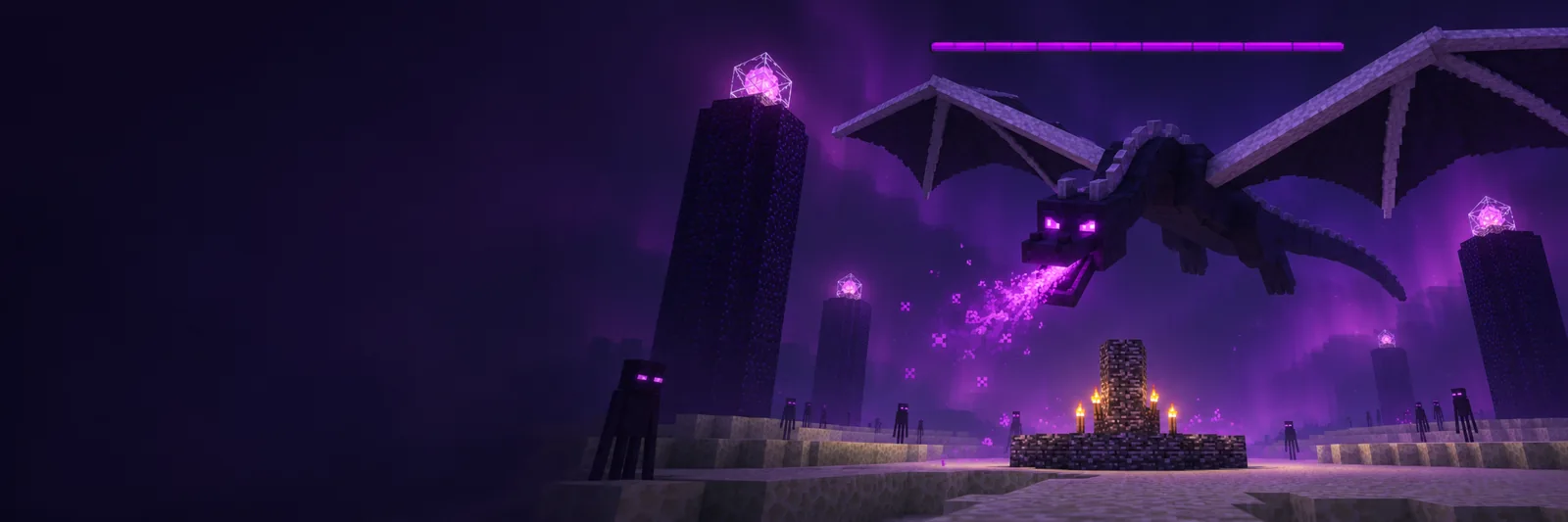
Create on-screen bars for bosses, timers and events.
How to show a raid bar
In Single command mode, create arena:raid. Set Players to @a[tag=raid] to show it to raid participants. Set Maximum to 200 and Progress to 75 with two separate commands. The bar shows 75 out of 200.
Why the bar is missing
A new bar has no viewers. Check the ID, assign players, and enable visibility. Hide bar keeps the audience; leaving Players blank clears it. Run the player assignment again to include players who join later.
Countdown to the fight
Open Timer and animation, choose 30 seconds, Counts down, and @a. Run Setup once. Put the two Update lines in a repeating block and a chain block. Run Start before the fight and rerun only Start for the next round.
FAQ Frequently asked questions 30 questions
Using the editor 5
How do I create a bossbar in Minecraft Java?
Choose Single command → Create bar, enter an ID and title, then copy the command into operator chat.
What is the difference between the two editor modes?
Single command outputs one line. Timer and animation generates setup, update, start, and stop commands.
Does this work in Bedrock Edition?
This generator targets Minecraft Java Edition 1.16 and later.
Which version should I select?
Use your world or server version. Titles use JSON in Java 1.16–1.21.4 and SNBT from 1.21.5 onward.
Why select an execution context?
Chat output starts with /. Console, command block, and .mcfunction output omit it.
Players and visibility 5
How do I show a bossbar to everyone?
Choose Change setting → Players and enter @a. Example: /bossbar set arena:raid players @a. The bar must also be visible.
How do I show a bar only to raid participants?
Use @a[tag=raid]. It selects online players with the raid tag when the command runs.
Why can nobody see a new bar?
A new bar has an empty audience. Assign players with set players and check that visibility is true.
How is hiding different from clearing the audience?
set visible false hides the bar and keeps the audience. set players without an argument clears the audience.
Will a player joining later see the timer?
The start command with @a assigns the players online at startup. Run set players again with the desired selector to include newcomers.
Title, color and segments 5
What is the difference between bar ID and title?
Commands refer to arena:raid. Players see the title Raid above the bar. Renaming changes the displayed text.
How do I change the bossbar color?
Choose Change setting → Color. Example: /bossbar set arena:raid color red. Seven standard colors are available.
How do I divide the bar into segments?
Choose 6, 10, 12, or 20 segments. The progress style uses a continuous bar.
Can I use a colored or formatted title?
Yes. When creating or renaming a bar, select Raw JSON / SNBT and enter a text component for your version.
Why might the preview differ from the game?
The preview applies the selected setting to demo values. Minecraft resolves formatting in raw JSON or SNBT components.
Progress and bar management 4
How do I fill the bar halfway?
Set the maximum to 100 and the value to 50. With a maximum of 200, use a value of 100.
What numbers does the bar accept?
Maximum is an integer starting at 1 and current value starts at 0. Both fields have an upper bound of 2147483647.
What can bossbar get read?
It can read maximum, current value, assigned player count, and visibility. Example: /bossbar get arena:raid value.
How do I list and delete bars?
/bossbar list shows custom bars. /bossbar remove arena:raid deletes a specific bar by ID.
Timer and animation 5
How do I create a 30-second countdown?
Open Timer and animation, enter 30 seconds and select Counts down. Run setup, install tick updates, then start the timer.
How do I make a bar fill over time?
Choose Fills up. It starts at zero and the counter increases until it reaches the maximum.
Why does the timer use a scoreboard?
The objective stores the tick count. The tick commands update it and transfer the result into the bar with execute store.
Which commands run once and which run continuously?
Run Setup once and Update every tick. Run Start again to restart. Hide and stop clears the counter entry.
Does Minecraft display the remaining seconds?
The website preview shows a numeric clock. In Minecraft this recipe represents time with the changing bar fill.
Command blocks and functions 3
How do I arrange the two timer command blocks?
Put the first tick line in a repeating block and the second in a chain block aligned with its arrow. Set both to Unconditional and Always Active.
How do I run the timer from a data pack?
Put both update lines in a function listed in the minecraft:tick tag. Run setup and start separately.
Can I run several timers at once?
Yes. Give each timer a distinct bar ID and objective in More settings, then install its tick commands.
Troubleshooting 3
Why does Minecraft say the ID already exists?
Add creates a new bar. Use a different ID or edit the existing bar with set. Use Start to run the timer again.
What should I check if the command appears in red?
Check your version, leading slash and ID. Use a lowercase resource ID such as arena:raid. For a title, check its JSON or SNBT syntax.
Why does the timer freeze or run slowly?
Check that updates run every tick and command blocks are loaded. At 20 TPS, one second equals 20 ticks. Lower TPS makes the timer take longer in real time.
Rate this tool
Did this tool work for you? Tell us what went well or what could improve.
Sign in to leave a review